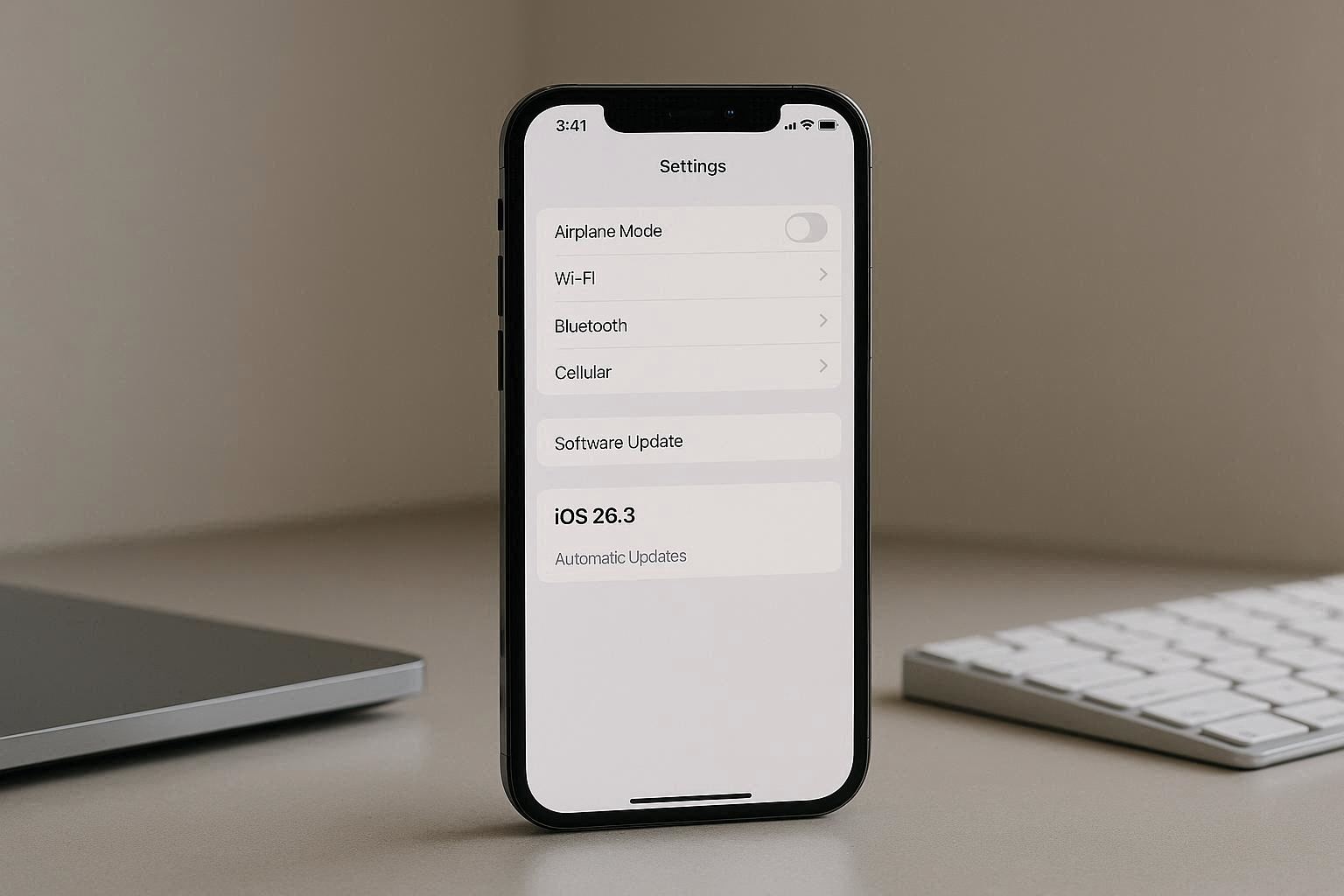
Apple has begun rolling out the iOS 26.3 update, and it brings several useful improvements designed to make your iPhone more intuitive, efficient, and easier to use — especially if you’re switching from Android or managing lots of notifications. This update focuses on meaningful refinements rather than radical changes, and it’s available now for compatible iPhones.
Here’s a clear breakdown of the key features and what they mean for everyday users.
Android Transfers — Smoother Setup for Switchers
One of the most talked-about features in iOS 26.3 is improved support for transferring data from Android devices.
What’s Improved
-
Simplified data transfer: Getting your photos, contacts and messages onto an iPhone from Android has become more seamless and reliable.
-
Clearer prompts: Users are guided with better on-screen instructions during setup, reducing setup frustration.
This makes iPhones more attractive for users switching platforms, addressing one of the longstanding pain points in moving between ecosystems.
Smarter Notifications — Less Clutter, More Relevance
Apple continues to refine how notifications are delivered, and iOS 26.3 brings new intelligence to the system.
Key Notification Changes
-
Contextual grouping: Similar notifications are grouped in a way that feels more natural and less fragmented.
-
Priority suggestions: The system now does a better job of prioritizing alerts based on your behavior.
-
Reduced noise: Repetitive or low-value alerts are more likely to be bundled or deferred.
These improvements are aimed at reducing interruptions while still ensuring you get the alerts that matter most.
Other Notable Updates in iOS 26.3
Enhanced Privacy Features
iOS 26.3 includes tweaks that give users clearer insights into how apps access data, particularly for location and background activity.
Performance and Stability
As with most point releases, Apple has issued performance optimizations and bug fixes that help:
-
Apps launch faster
-
Touch responsiveness feels tighter
-
Background tasks run more reliably
Minor UI Improvements
Subtle design refinements in menus, toggles, and system elements help make the interface smoother and more intuitive without changing the core iOS experience.
Why This Matters for Users
This version of iOS isn’t a headline-grabbing overhaul. Instead, it targets real-world usability:
-
People switching from Android now have fewer barriers in data transfer.
-
Notification management feels smarter and less intrusive.
-
Privacy and performance tweaks keep the experience modern and responsive.
Overall, iOS 26.3 feels like a thoughtful iteration that responds to day-to-day user needs.
Who Should Update
In most cases, installing iOS 26.3 is a no-brainer for compatible iPhones. It’s especially worthwhile if you:
-
Recently switched from an Android device
-
Receive a high volume of notifications
-
Care about incremental privacy and performance improvements
As always, back up your device before updating to protect your data.